13 types of websites explained: Definitions and purposes, with real examples
There are 13 types of websites. Each is built to serve a particular purpose. These include: social media, business, wikis, blogs, news sites, ecommerce, image websites, job websites, Q&A websites, and e-commerce. Understanding the differences will help you to choose the best format for your website, whether you are building one, researching competitors or trying to understand the digital landscape. This guide provides a clear explanation of each type, including definitions, examples from real life, and information on the audience for each type.
What is a website and how does it work?
A website is an assortment of web pages that are related, identified by their unique domain names, and hosted on a server. It can be accessed from any computer with internet access using a browser such as Chrome, Safari or Firefox.
What happens when you enter a website address in your browser? Your browser sends an HTTP request to the server that stores files for that website. The server receives your request, processes it, and then sends all the files that are needed — HTML, CSS images and scripts, etc. — to your browser. Your browser will then display the page. The entire exchange usually takes less than two seconds, and it relies on HTTP (Hypertext transfer protocol) or HTTPS.
What’s a webserver? Web servers are computer systems that run continuously, store website files and deliver those files on demand to browsers via the Internet. Hosting companies such as Bluehost, SiteGround and AWS manage these thousands of servers, so individuals and businesses do not have to maintain their own hardware.
How is data from websites stored? Data for websites, including HTML files and images, databases and scripts, is stored in web servers located at large facilities known as data centers. Web hosting is the common name for this storage service.
Static Websites vs. Dynamic Websites: What’s the Difference?
It’s important to understand the two basic categories of websites: static and dynamic, before exploring the 13 types.
Every visitor sees the same content on a static website. Pages are static files, which don’t vary based on when or who is viewing them. Static websites are created using HTML, CSS and JavaScript. Static sites load quickly and are secure, as there is no database. They are perfect for sites that rarely change content, such as a business brochure or personal portfolio.
A dynamic website is one that generates content in real-time, pulling information from a database. It can also adapt the content based on a user’s location, preferences or past behavior. Dynamic websites are powered by server side languages such as PHP or Python, and database systems such as MySQL. WordPress, the most popular content management system in the world (CMS) that powers over 43% all websites according W3Techs, is an example of a platform for dynamic websites. Most e-commerce sites, social media platforms and news websites are dynamic.
| Features | Static Website | Dynamic Website |
|---|---|---|
| Content may be changed | Rarely or Never | In real time or frequently |
| Speed up | Faster | Slower (server processing is required) |
| The Security of Your Own Home | Secure your home with a more secure lock | Active security management is required |
| The use of technology | HTML, CSS and JavaScript | HTML, CSS and JavaScript are all part of PHP, MySQL and Python |
| Update difficulty | Requires code editing | Easy via CMS dashboard |
| Best for | Portfolios, brochures, landing pages | Blogs, social platforms, and e-commerce |
What are the 13 types of websites? Definitions and examples included
13 types of website
#1 Business website–
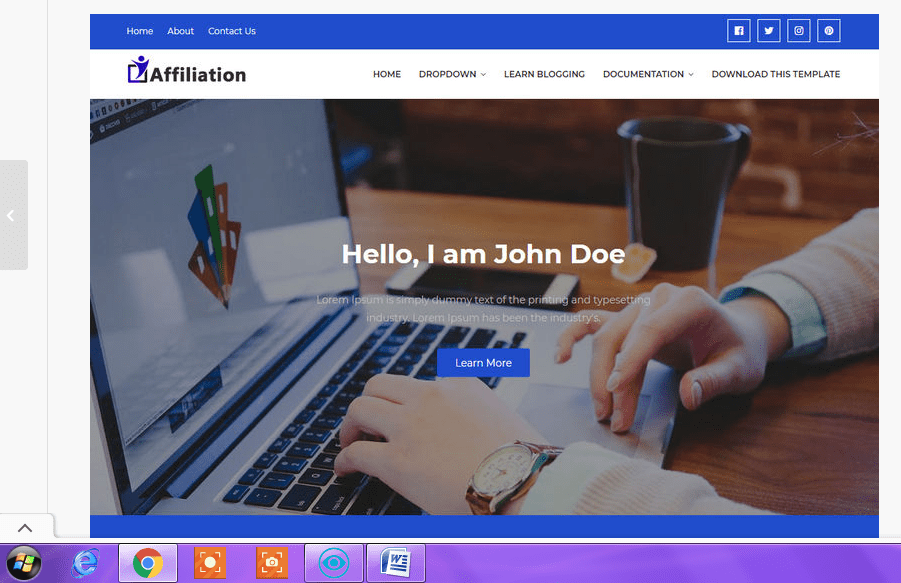
A business website is a platform online that represents a company, organization or team. It provides visitors with information on its products, services and values. A business website’s primary goal is to establish credibility, attract customers and convert them into clients or leads.
Websites for businesses can range from simple “brochure” sites with a single page to complex platforms that include live chat, appointment booking and customer portals. The majority of websites are dynamic and built using CMS platforms such as WordPress or Squarespace. Smaller operations may use static landing pages.
Who Uses Them: Businesses of all sizes, from sole freelancers to Fortune 500 companies, use their business websites as a primary digital storefront.
Features: About Page, Services or Products Overview, Contact Form, Testimonials, and often, a Blog section for Content Marketing.
Examples include: apple.com and shopify.com.
#2 Wiki website–
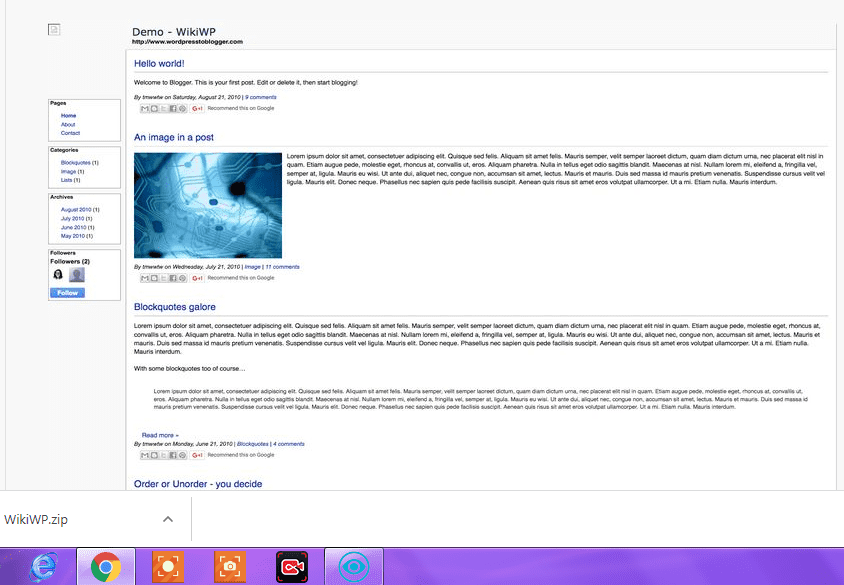
A wiki is a collaborative website that allows users to edit and add content through their browser. This builds a repository of shared knowledge over time. The word “wiki”, which means “quick” in Hawaiian, reflects the speed at which content can be modified and created.
Some wikis allow anyone to edit, while others only allow verified members and certain teams to do so. Version control is used by the technology that powers wikis. This allows every edit to be tracked, and older versions of information can be restored in case incorrect data is added.
Who uses it: Educational Institutions, open-source software groups, corporate teams that manage internal documentation and the general public via Wikipedia.
Features: Editable buttons on each page, version history tabs, discussion tabs and user contribution tracking.
Examples include Wikipedia.org, Fandom.com and Confluence (corporate tools).
#3 Portal website–
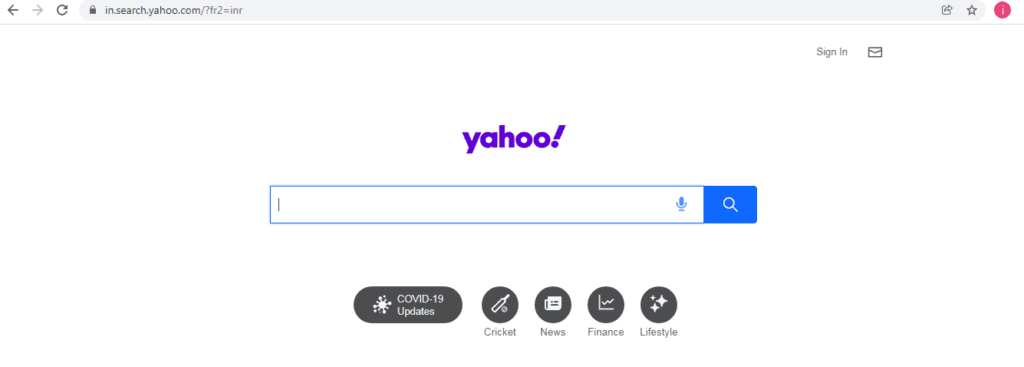
Portal websites are a centralized web platform which aggregates multiple services. A portal allows users to access email, weather, maps, search and news from one place, rather than visiting five separate websites.
While their popularity has changed, portals remain influential. Some portals (like Yahoo) are open to the public, while others, like employee intranets and university student portals, are closed. These portals give students, employees, or faculty access to email, grades, and schedules.
Who is using them? Internet users who are looking for convenience.
Features: Search engine integrated, RSS feeds, Email access, Maps, Weather widgets, customized dashboards and links to partner service providers.
Examples include Yahoo.com. MSN.com. AOL.com and private enterprise portals such as company intranets.
#4 Information website–
Informational websites are those whose main purpose is to inform visitors about a particular subject, topic, or field — without soliciting products or commercial transactions. These sites are designed to deliver accurate and structured information.
Informational websites form the basis of internet education. The topics range from legal definitions and medical terms to historical events and science concepts. By citing sources, listing authors who are qualified, and maintaining content, the best informational sites demonstrate E-E-A.T. (Experience Expertise Authoritativeness and Trustworthiness).
Who is it for? Students, researchers, professionals looking for reference materials, and general users who have specific questions.
Key Features: Well organized content hierarchies. Citations, authorship disclosures by experts, search functionality and downloadable resources are all common.
Examples include: WebMD.com for medical information, Encyclopedia Britannica at Britannica.com, HowStuffWorks.com and government websites like CDC.gov.
#5 News website–
A news website is a publication online that provides regularly updated reports on current events. This includes breaking news, analyses, opinion pieces and sports coverage.
They are often dynamic, updating content throughout the day. Live blogs during major events are also common. They rely on editorial teams and wire services like Reuters or AP, as well as AI-assisted tools for content. Advertising, sponsored content and subscription paywalls are the most common ways to monetize.
Who use them: The general public, journalists and researchers, as well as businesses that monitor industry news.
Features: Categories navigation (sports, politics, business, technology), search archive, author bylines and publication timestamps. Multimedia content.
Examples include: BBC.com (bbc.com), CNN.com (cnn.com), The New York Times, Reuters.com and local news outlets.
#6 Personal website–
A personal website is a space that belongs to an individual. It allows them to present their identity online, share their work, communicate their ideas or build their professional brand. A personal website is different from social media profiles because the owner has complete control over its design, presentation, and content.
Personal websites can serve different purposes, depending on who created them. Designers use them to display their portfolio. Speakers use one to display their bio and booking information. One is used by a writer to host published work. Some people want a professional URL for their resume. “JaneDoe.com”, for example, immediately indicates digital literacy and intention.
Who is using them? Freelancers and creatives, academics and job seekers, public speaking consultants, freelancers, and anyone who wants to build their personal brand.
Features: A biography section, a portfolio or samples of work, a contact page, social media profiles linked to, and sometimes even a journal or blog.
Examples Personal websites of designers on Behance.net, author websites, landing pages for professional consultants.
#7 Blog website–
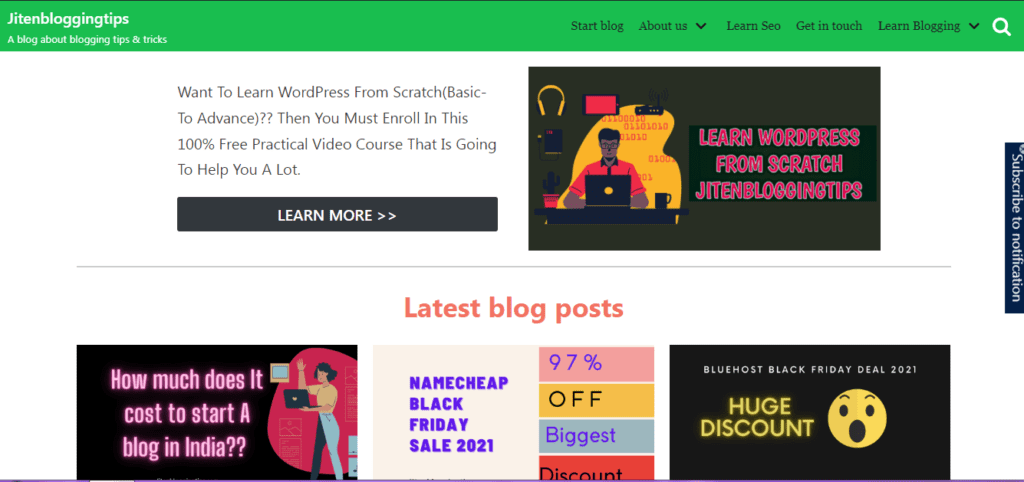
Blog websites are online platforms that regularly update articles, guides and tutorials. They’re usually organized in reverse chronological sequence.
In the late 90s, blogs began as online journals for personal use. They have since evolved into powerful marketing tools, publishing platforms and passive income businesses. Successful blogs build an audience by attracting search engine traffic. They also establish the author’s authority in a particular field. And they often monetize through advertising, affiliate partnership, sponsored content or digital product sales.
Who is using them? Individual authors and creators, businesses that use content marketing, journalists and educators, niche community builders, and niche communities.
Features: Categorized Articles, Author Profiles, Comment Sections, RSS Feeds, Newsletter Sign-Up Forms, and Social Sharing Functionality.
Examples include: TechCrunch.com, NerdFitness.com and Moz.com/blog.
If you are thinking to start a blogging website then you must read how to start a blog in 2026
#8 E-commerce website–
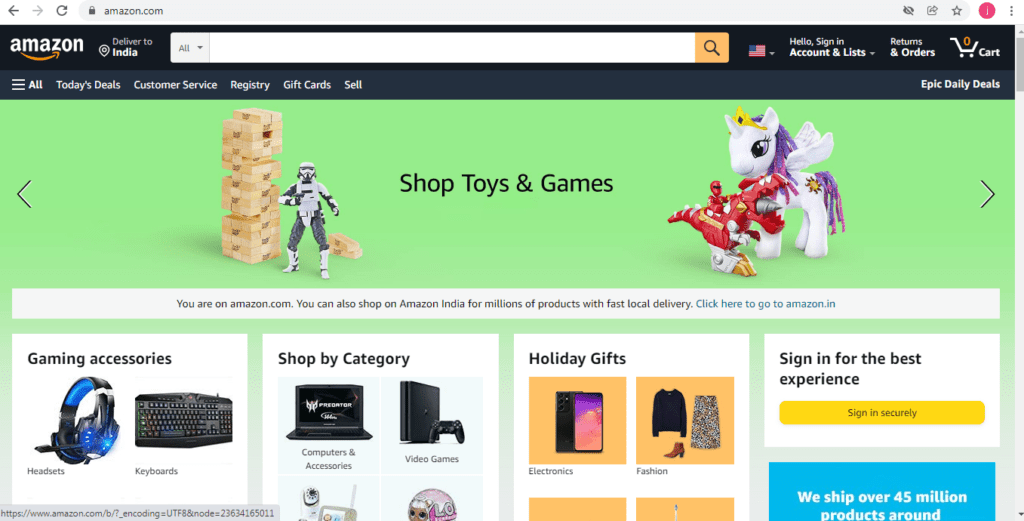
E-commerce websites are online platforms that allow businesses and individuals alike to sell, display and market products and services via the Internet, while processing payments securely using integrated payment systems.
E-commerce has become one of the fastest growing sectors in the global economy. Statista estimates that global ecommerce sales will surpass $5.8 trillion by 2023, and continue to grow throughout the remainder of the decade. The size of e-commerce sites can range from single-product shops to huge marketplaces with millions of SKUs. Secure payment gateways, such as Stripe or PayPal, inventory management systems and robust search and filtering features are required.
Who is using them? Retailers and manufacturers, as well as service providers, individual sellers, and retailers who reach customers outside their geographical area.
Features: Shopping cart with secure checkout, payment gateway, order tracking and customer reviews systems.
Examples include: Amazon.com. eBay.com. Etsy.com. Shopify powered stores. Flipkart.com.
#9 Images website–
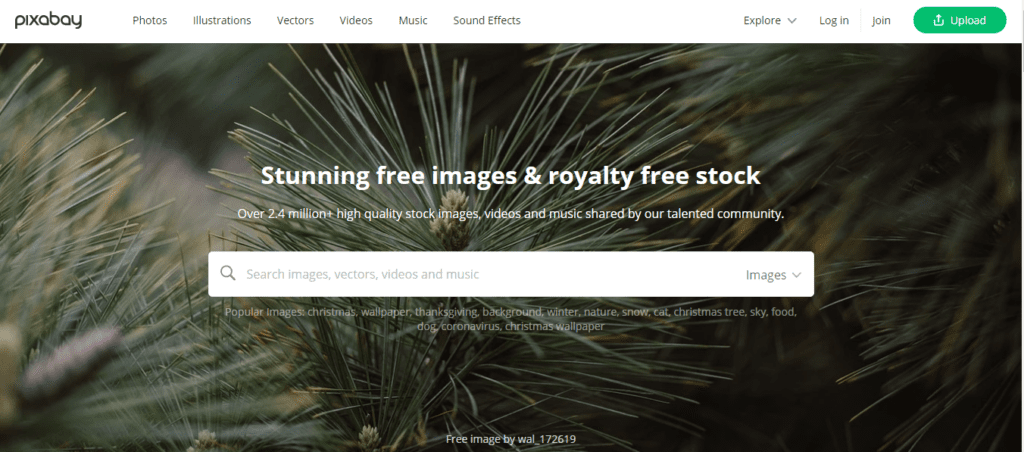
this type of website :Image websites are online libraries that host, organize, and distribute photographs, illustrations vectors and other visual assets, either for free download or licensed commercial use.
These websites cater to two distinct groups: those who are looking for images for their own projects (bloggers and designers) as well as photographers and illustrators seeking to sell or showcase their work. These websites organize their content by color, orientation, category and licensing type. This makes it easier to find the perfect visual for any use case.
Who is using them? Graphic Designers, content creators and bloggers. Web developers. Businesses that need visual content.
Features: Search for images by keyword, visual similarity and license type (royalty free, Creative Commons or editorial use), multiple resolutions and download options.
Examples include: Unsplash.com, Shutterstock.com and Pexels.com.
#10 Job website–
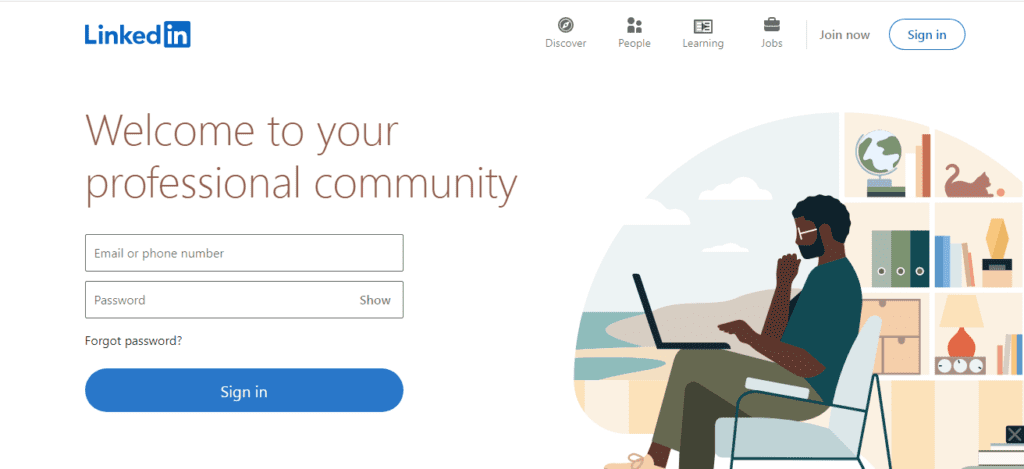
Job websites are online platforms that allow job seekers to search for jobs and employers to advertise open positions. Candidates can usually apply directly on the website.
Job websites are two-sided markets. Companies pay to access candidate databases and post job listings. Job seekers can create profiles, upload their resumes and search for listings by location, industry, salary range and role. Modern job sites offer other features such as career resources, company reviews and salary data.
Who is using them? Job-seekers at all levels of employment, HR departments and recruiting firms.
Features: Job search with advanced filters. Resume upload and profile builder. Direct application submission. Company profiles. Salary insights.
Examples include: LinkedIn.com. Indeed.com. Glassdoor.com. Monster.com. ZipRecruiter.com.
#11 Question & answer website–
A question-and-answer website is a platform that’s community driven. Registered users can post questions about any topic, and other members of the community will answer them. Voting systems are used to find the most accurate answers.
Q&A platforms make expertise more accessible. Anyone can ask a question, without needing to personally know an expert. They will receive detailed answers from experts, practitioners and enthusiasts around the world. The voting and moderating systems of the best Q&A websites help to filter out misinformation and high-quality responses, making it possible for them to be cited frequently in academic and professional contexts.
Who is using them? Students and professionals, as well as researchers, hobbyists and those seeking knowledge from the community.
Features: Posting questions, topic threads categorized, upvoting/downvoting systems, “best answers” highlighting and user reputation scores.
Examples include: Quora.com (for programming-related questions), Reddit AskReddit, subject-specific subreddits on Reddit, and Yahoo Answers.
#12 Streaming website–
A streaming website delivers audio and video content in real-time over the Internet, without the need to download it.
The streaming websites have revolutionized entertainment and media consumption. These platforms can be divided into four categories: video-on demand (pre-recorded material available at any time), live streaming (real-time broadcasts), streaming music services and podcast platforms. Creators of content upload their material to create audiences. Viewers can consume the material on any device connected to the internet. Advertising, subscriptions and pay-per view are all monetization models.
Who is using them? Consumers of entertainment, musicians, educators and journalists.
Features: Player video or audio, creation of channels and profiles, subscribe and follow systems. Content recommendation algorithms. Live streaming tools.
Examples include: Twitch.tv, YouTube.com and Netflix.com.
#13 Social media website–
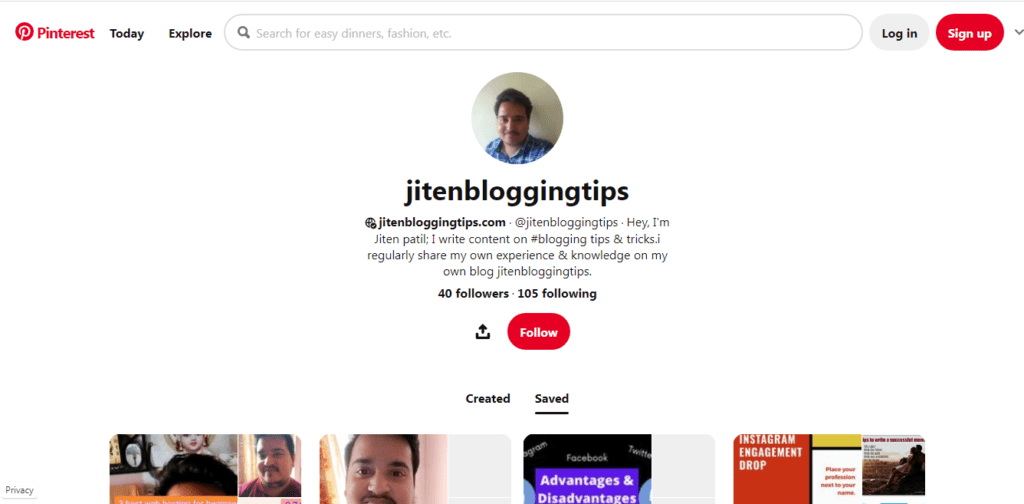
Social media websites are online platforms that allow users to create profiles for themselves or their brands, share content, interact with others, and engage in community interaction, including sharing, liking, commenting and direct messaging.
The most popular websites on the Internet are social media sites. Meta’s platforms (Facebook, Instagram) alone serve more than 3.2 billion active daily users. These sites are primarily monetized through advertising. They use the massive behavioral data that they collect to provide highly targeted ad placing. Social media is now a must-have for businesses. It’s the primary way to build brand awareness, provide customer service and engage with communities.
Who Uses Them: Individuals who maintain personal connections, Businesses building brand audiences and creators of content monetizing it, Journalists distributing stories and Organizations coordinating communities.
Features: Create a profile, post content (text, images, videos), use the algorithmic feeds to find content, send direct messages, advertise, and view analytics dashboards.
Examples include: Facebook.com. Instagram.com. Twitter/X.com. TikTok.com. Pinterest.com. LinkedIn.com.
There are other types of websites that you should know about
In digital discussions, there are many other categories of websites besides the core 13.
Entertainment Websites aggregates games, quizzes and humor content. BuzzFeed, IGN and other examples are available.
Crowdfunding Websites enable creators, entrepreneurs or individuals to raise money online from a large group of contributors. Kickstarter.com, GoFundMe.com are examples.
Affiliate Websites provide product reviews, comparisons and recommendations. They earn commissions when customers click through to make purchases. They are similar to blogs, but they are based on referral revenue.
Subscription and membership websites secure premium content behind a paywall and provide exclusive access to paying members. This creates recurring revenue streams for the creators. Patreon.com, MasterClass.com are examples.
Government websites provide public information and service delivery by providing access to official documents and program applications.
What Type of Website is Right for You?
It is useful to know the 13 different types of websites when you are making a decision. Here is a useful framework:
Build an ecommerce website with platforms such as Shopify or WooCommerce if you want to sell products and services online. Start a WordPress blog if you want to showcase your expertise and gain an audience with content. A business website that has a contact form and a services page is the best place to start if you want to represent your business in a professional manner. A personal website allows you to control your digital identity. A Q&A site or forum is a great way to create a community that shares knowledge.
What do you want your visitors to do once they arrive at your website? This answer will determine your website type and guide your technology, content strategy, design, and design choices.
I hope that this information had helped you to know about 13 types of website. Keep visiting our site to learn blogging tips & tricks for free.
Summary: All 13 Types of Websites at a Glance
Understanding different types of website helps you navigate internet more intentionally — whether you are building something new, analysing competitors, or just making sense of digital world.
Business Websites Establish corporate credibility and attract customers. Wiki Websites allow collaborative knowledge building by communities of editors. Portal Websites combine multiple services in a single, convenient location. Informational Websites educate visitors about specific topics, without commercial intent. News Websites provide real-time journalism and reporting. Personal Websites allow individuals to control their digital identity. Blog Websites Build audiences by regularly publishing articles and guides. Ecommerce Websites allow online purchasing and selling, with integrated payment processing. Image Websites hosts and distributes visual assets for commercial and creative use. Job Websites connects employers and candidates through structured employment marketplaces. Q&A Websites Crowdsource knowledge by community-driven questions and answers. Streaming Websites provide video and audio content to connected devices in real-time. Social Media Websites allow users to connect through the creation of profiles, sharing content, and community interaction.
A successful website begins with a clear purpose. Select the type of website that best aligns with your goals for visitors, and use that choice to guide all subsequent decisions — from platform and design to content strategy and monetization.
FAQ
What is the difference between static & dynamic websites??
A static website has fixed content while dynamic website content is updated regularly.
What is a website??
It is a collection of web pages & every website has different purposes & goals.
What is a server??
It is a 24 hrs computer-connected internet.
Where the website data are stored??
The website data are stored in a server it is also known as hosting.
Why website is created??
Website is created for different purposes & goals, there are various types of website like blog website, entertainment website, social media website, streaming website, informational website, wiki website, E-commerce website, portal website, news website, images website, job website, etc.
Blog means website??
The blog is a website but the difference is that in a blog content is updated regularly.
What is the main type of website?
There are 13 types of websites: business websites (also called wikis), portal websites (also known as informational websites), news websites (also known as news websites), personal websites (also called blog sites), e-commerce website, image websites and job websites. Each website type is tailored to a particular audience and purpose.
Which is the most popular type of website?
Blogs and business sites are the most popular types of websites. WordPress is responsible for 43% of websites worldwide, with the majority being blogs or business sites. Traffic and revenue for E-commerce websites are growing at the fastest rate.
What kind of website is Google ?
Google.com is both a portal and search engine. It offers access to many integrated services, including maps, Gmail, news, shopping and cloud storage. Search is one of the service types that are part of a portal.
What kind of website is Wikipedia ?
Wikipedia is the largest wiki in the world, with over 60,000,000 articles spread across 300 languages. The Wikimedia Foundation oversees the project and is responsible for its maintenance.
What's the difference between an informational and a blog site?
Blog websites are regularly updated by new articles in a journalistic voice or personal, usually ordered according to publication date. They often reflect the perspective of an author or brand. Informational websites are more encyclopedic, presenting established facts on a subject without updating them frequently or having a personal editorial style. Many websites combine both formats.
Which type of website is the most profitable?
Affiliate websites and large blogs networks can generate significant passive income from advertising and referral fees. The best website types depend more on the execution, niche and traffic volume than just the category.
What's the difference between static and dynamic websites?
Static websites display fixed content, which is pre-built and looks the same for every visitor. They are built solely in HTML and CSS. Dynamic websites generate content dynamically using databases and server-side programming, which allows for personalized experiences. Dynamic websites are the most common type of modern website. They often have user accounts, shopping baskets, and comment sections.
As a beginner, what type of website do I need to build?
Most beginners will find that a simple blog or business website built on WordPress or Squarespace are the best place to start. These platforms take care of the technical infrastructure so you can focus on design and content. You can move on to more complex types of websites as your goals and skills grow.
What does a portal web page do?
A portal website is an online platform that aggregates several services, such as news, search, maps, weather, and email, into one destination. Yahoo.com, MSN.com and other public portal sites are well-known. Private portals like intranets for employees or student portals at universities serve organizational needs.
What is the difference between a Q&A site and a forum?
Quora, for example, is a Q&A site that’s structured around discrete and direct questions. Voting systems are used to determine the best answer. Forums are more conversational, thread-based and have discussions with no definitive answers. Stack Overflow combines the Q&A format with community voting.
A website can belong to more than 1 type.
Many websites fall into multiple categories at the same time. LinkedIn is a social networking website as well as a job site. HubSpot, for example, runs a blog, a business site, and an informational resource all under the same domain. Website types are not exclusive categories, but describe the primary purpose of a website.
What exactly is a news site?
A news website is a publication online that provides regularly updated reports on current events. This can include breaking news, politics, sports, entertainment and business. News websites tend to be dynamic, constantly updated, and staffed by editorial staff. BBC.com and CNN.com are examples.
A personal website is a hosted and owned online presence, which the owner controls completely, including its design, data, and content. A social media account is a profile on a platform that belongs to a third party (such as Instagram or LinkedIn), whose rules, algorithm, and terms of services the owner must adhere to. A personal website has more authority and is more durable; a profile on social media reaches more people.
What are the different types of websites?
As classification systems differ, there is no universally accepted number. This guide covers the 13 most commonly recognized types: business, wikis, portals, informational sites, blogs, personal websites, news sites, social media, Q&A, job postings, streaming and social media. Other types include entertainment sites, crowdfunding platforms and affiliate websites. Government websites, web applications, and membership websites are also included.